How to Encode and Decode Base64 Online
Use a Base64 encoder and decoder to convert text safely for API payloads, tokens, headers, debugging, and quick data checks.
Open Base64 Encode/Decode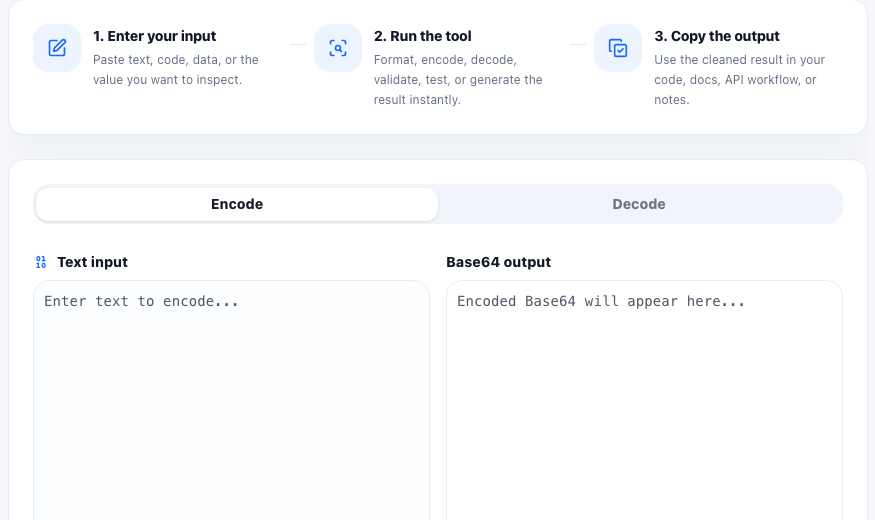
Base64 turns binary or plain text data into a text-safe format. Developers often see it in API tokens, HTTP headers, embedded payloads, data URLs, configuration values, and quick debugging tasks where raw bytes need to travel through text-only systems.
When Base64 encoding helps
- Encoding sample payloads for API tests.
- Decoding a token segment or copied value during debugging.
- Checking whether an encoded string contains readable text.
- Preparing text-safe values for headers, scripts, or configuration examples.
Base64 is encoding, not encryption
A common mistake is treating Base64 as a privacy feature. Base64 only changes representation. Anyone can decode it back to the original readable value if the content is text. Do not use it to protect passwords, secrets, or private data.
How to avoid decoding errors
If decoding fails, check whether the copied value is complete, whether padding characters were removed, and whether the source used URL-safe Base64. Extra spaces, line breaks, and missing trailing equals signs can also cause unexpected results.
FAQ
Is Base64 secure?
No. Base64 is an encoding format, not encryption. It should not be used to hide secrets or private data.
Why does Base64 sometimes end with equals signs?
Equals signs are padding characters that help the encoded output align with Base64 grouping rules.
Can I decode Base64 back to text?
Yes, if the original data was text and the encoded string is complete, decoding returns the readable text value.