How to Generate Strong Random Passwords Online
Learn what makes a password strong, when to use 16-character or 20-character passwords, and how to avoid common password mistakes.
Open Password Generator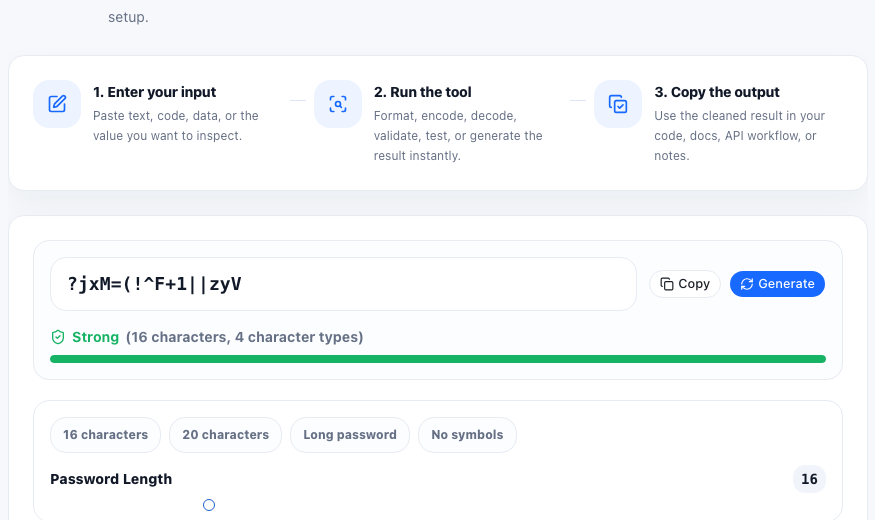
A strong password is not just a word with a symbol added at the end. Strength comes from length, randomness, and uniqueness. A password generator creates random values that are harder to guess than human-made patterns.
Why length matters
Longer random passwords increase the search space dramatically. A 16-character password is a strong default for many accounts, while 20 characters or more is a good choice for high-value accounts when the service accepts it.
Useful password generator settings
- Use at least 16 characters for important accounts.
- Include uppercase letters, lowercase letters, numbers, and symbols when allowed.
- Generate a different password for every account.
- Store passwords in a trusted password manager instead of reusing them.
Avoid predictable patterns
Avoid names, birthdays, keyboard paths, repeated words, and simple substitutions such as replacing a with @. Random output from a generator is usually safer because it does not follow the personal patterns attackers try first.
FAQ
Is a 16-character password strong?
A random 16-character password is strong for most everyday accounts, especially when it uses a broad character set and is unique.
Should I use 20-character passwords?
Use 20 characters or more for high-value accounts, admin accounts, and services that allow longer passwords.
Can I reuse a strong password?
No. Reusing passwords is risky because one leaked password can compromise other accounts.