How to Format JSON Online for Easier Debugging
Use a JSON formatter to clean API responses, inspect nested data, validate structure, and prepare readable JSON examples.
Open JSON Formatter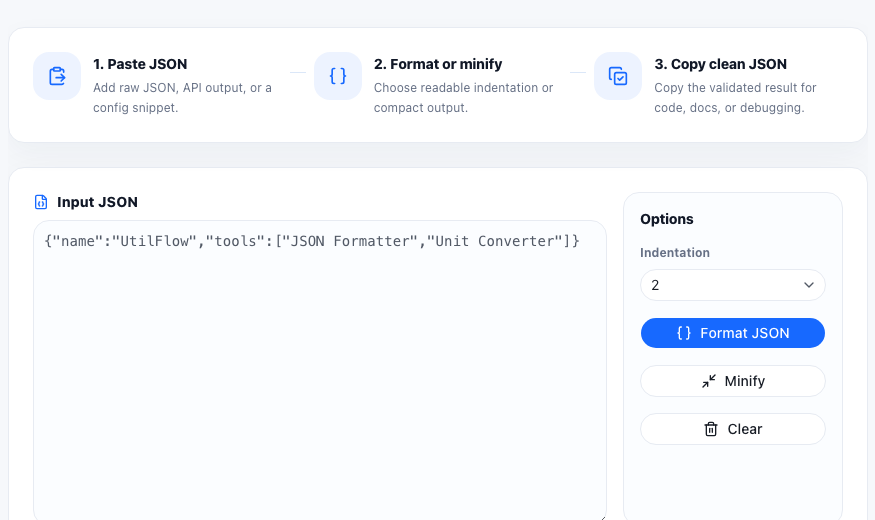
JSON is easy for machines to read, but raw API output can be difficult to scan when it is minified or deeply nested. A JSON formatter turns that compact payload into readable indentation so you can understand objects, arrays, keys, and values faster.
When to use a JSON formatter
- Inspecting an API response from a browser, log, or HTTP client.
- Preparing JSON examples for documentation.
- Debugging nested arrays and objects.
- Checking whether a copied payload has missing commas, quotes, or brackets.
Format first, validate second
If a formatter can parse your input, the JSON is usually structurally valid. If it fails, the error often points to a syntax issue such as single quotes, trailing commas, unescaped characters, or missing braces. After formatting, use related JSON tools to validate, minify, compare, or convert the payload.
Common JSON formatting mistakes
The most common mistake is pasting JavaScript object notation instead of JSON. Valid JSON uses double quotes around keys and string values. Another common problem is copying partial output from logs where the beginning or end of the payload is missing.
FAQ
Is formatted JSON different from minified JSON?
No. Formatted JSON and minified JSON can represent the same data. Formatting adds whitespace for readability, while minifying removes whitespace for compact output.
Why does my JSON fail to format?
The input may not be valid JSON. Check quotes, commas, brackets, escaped characters, and whether the copied text is complete.
Can formatted JSON be used in an API request?
Yes. Most APIs accept formatted JSON as long as the data is valid and the request content type is correct.